

Privacy
Local-first, on purpose. The app works on your Mac. This page says what that means — and what this site does today.
The app stays on your Mac
Scan and Trash run on your machine. Disk Headroom does not create an account, does not upload your files, and does not talk to a product cloud.
No account
01There is no sign-in, no profile, and no sync. You download the app and use it.
No cloud
02Leftovers are listed and, if you confirm, moved to Trash on this Mac. Nothing is sent to our servers.
No telemetry
03The app does not phone home with usage stats, crash reports, or file lists.
This website
This site does not load third-party analytics today. There is no tracking pixel or advertising cookie. To claim Pro, GitHub OAuth provides your numeric user ID, login, and a limited access token; they are kept in an encrypted, Secure, HttpOnly session cookie for up to 30 days and used only to verify your sponsorship. Signing out clears it. Theme preference is stored in localStorage.
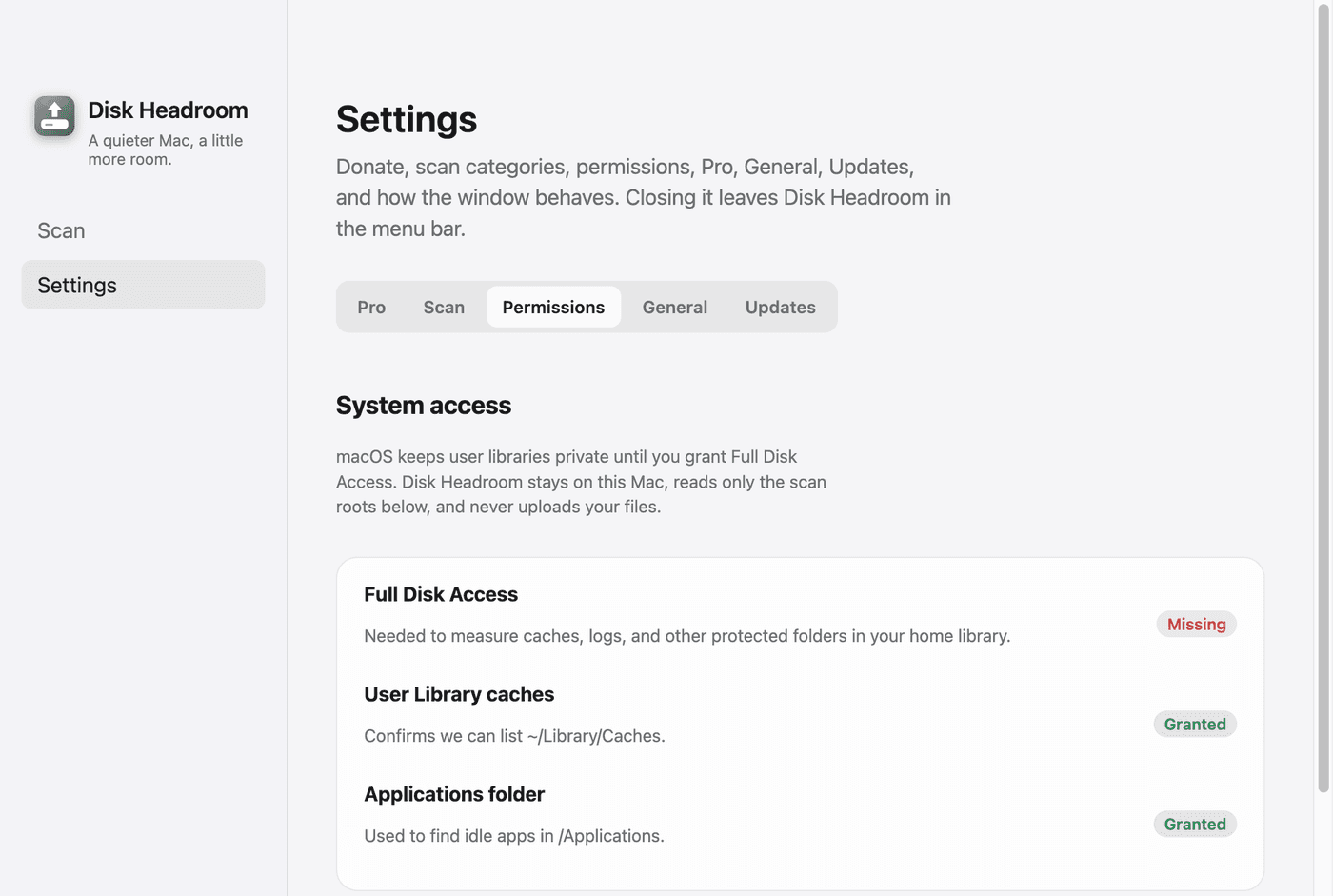
Full Disk Access, in plain language
macOS can hide folders the app needs in order to find leftovers. Full Disk Access is a system permission on your Mac: it lets Disk Headroom see those folders so the scan is useful. This website cannot ask for that permission, grant it, or read your disk. Only the app can prompt, and only you can allow it in System Settings.
Open source
The macOS app is released under the MIT license. You can read the license and the source on GitHub.