

Local macOS app
Find leftover files. You decide what goes to Trash.
A quieter Mac, a little more room.
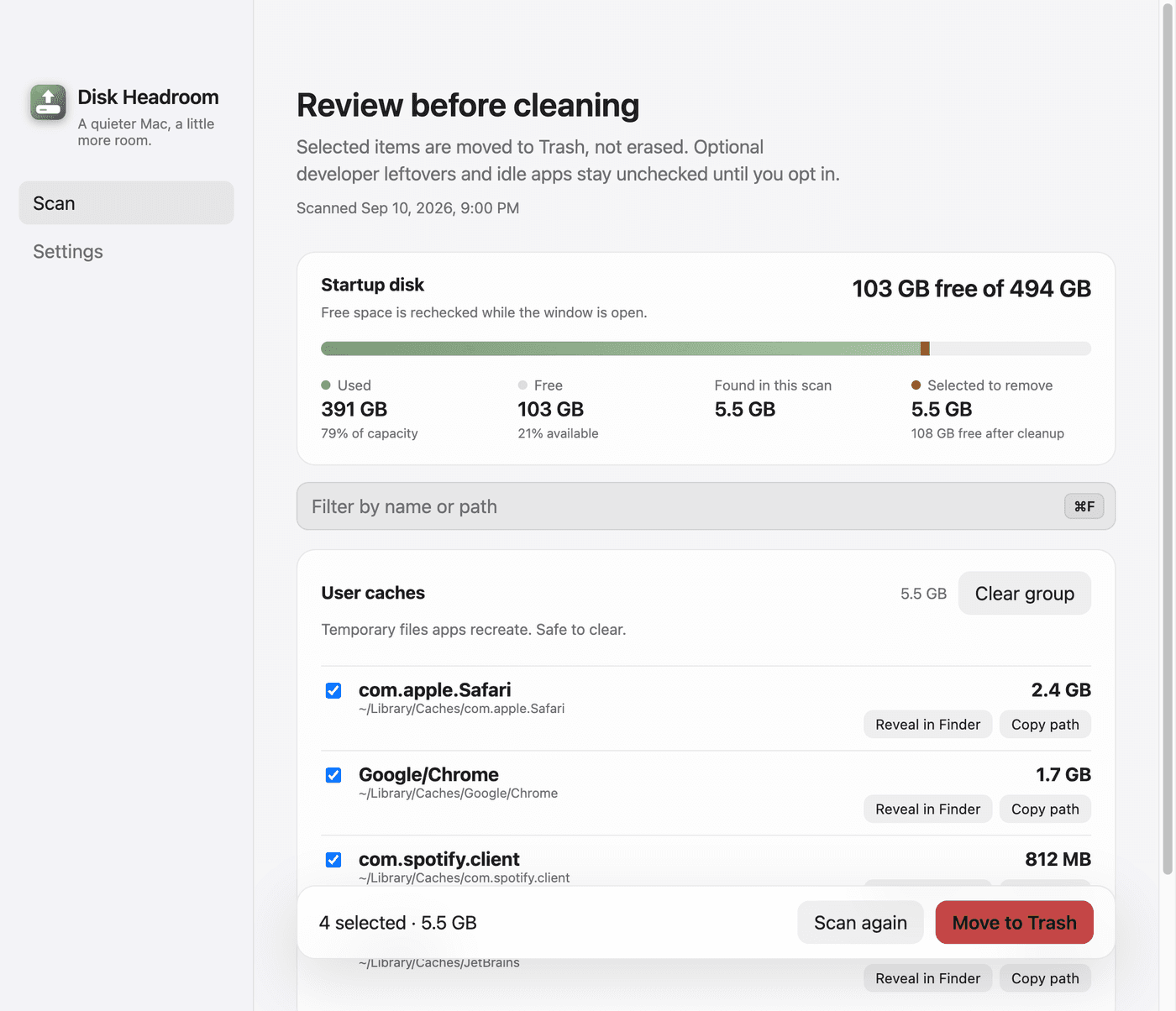
A conservative cleaner for a full SSD. Scan, review groups, then move what you chose to Trash. Nothing is erased until you confirm — and it will never claim a one-click miracle.
Free on GitHub Releases. Stays on your Mac.
Who it is for
A full SSD
01macOS is warning that storage is tight. You want a little more room without a reckless cleaner.
Homebrew and package caches
02Manager leftovers pile up quietly. Review them in groups instead of hunting folders by hand.
Xcode, Android, Docker leftovers
03Toolchains leave heavy caches. Those groups stay optional until you opt in.
Menu bar on a Mac
04A small extra in the menu bar when you want a scan without hunting for the window.
How it works
Three steps. You stay in control the whole way.
- 01
Scan
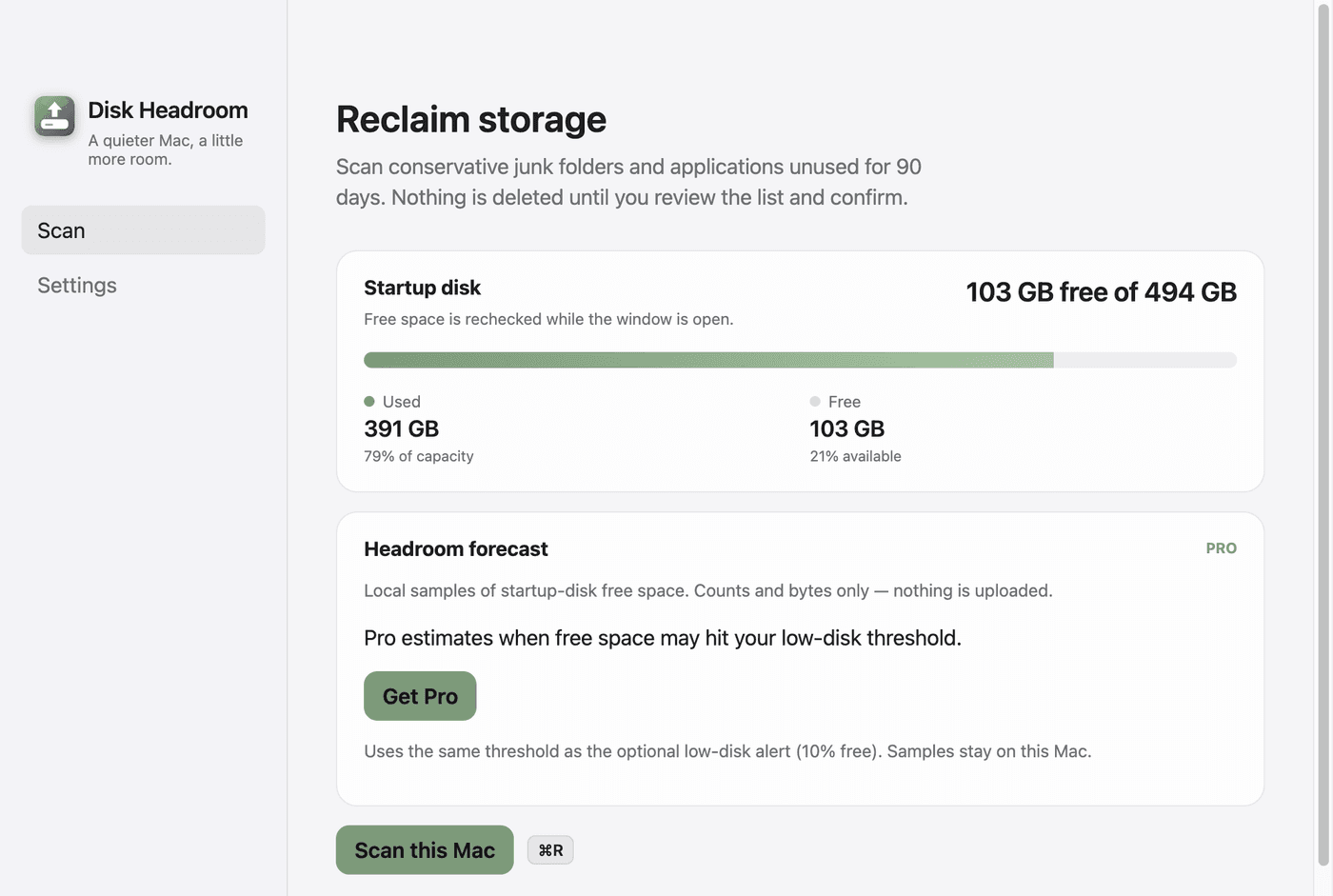
Look through conservative junk folders and unused apps. The list is a proposal, not a wipe.
- 02
Review groups
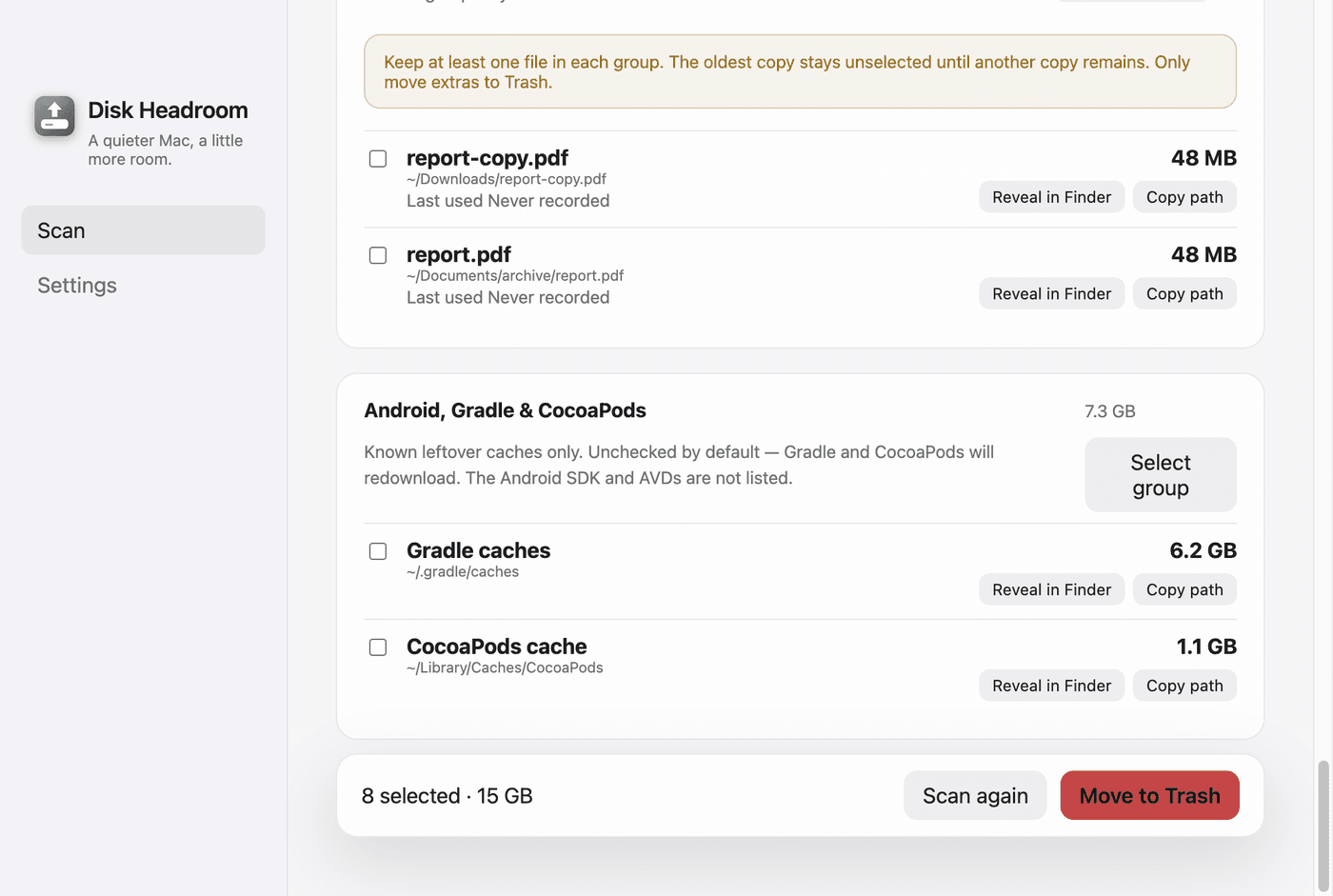
Open each group. Developer leftovers from Xcode, Android, and Docker stay unchecked by default.
- 03
Move to Trash
Selected items go to Trash, where you can still recover them. Emptying Trash is yours.
The app, in practice
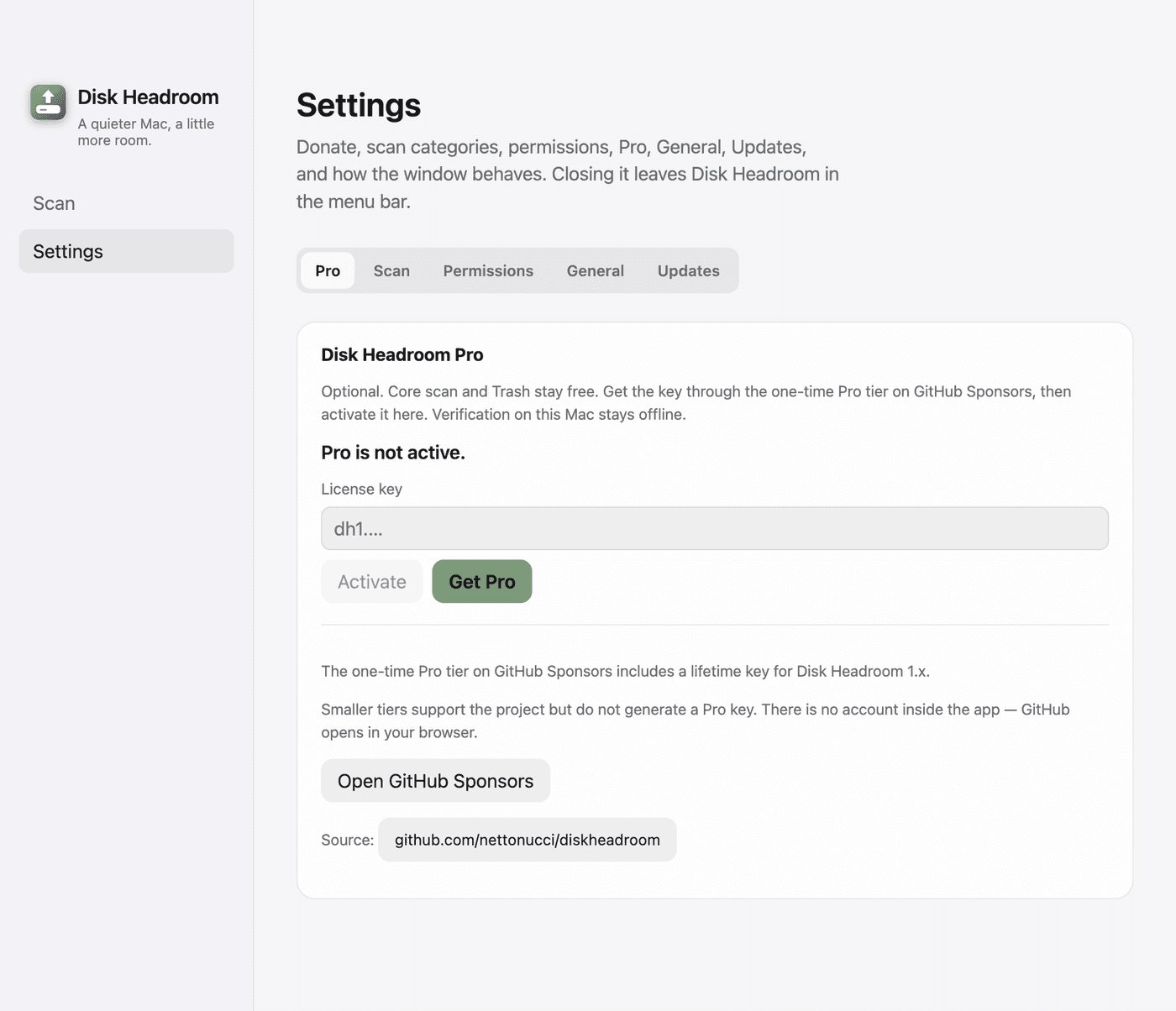
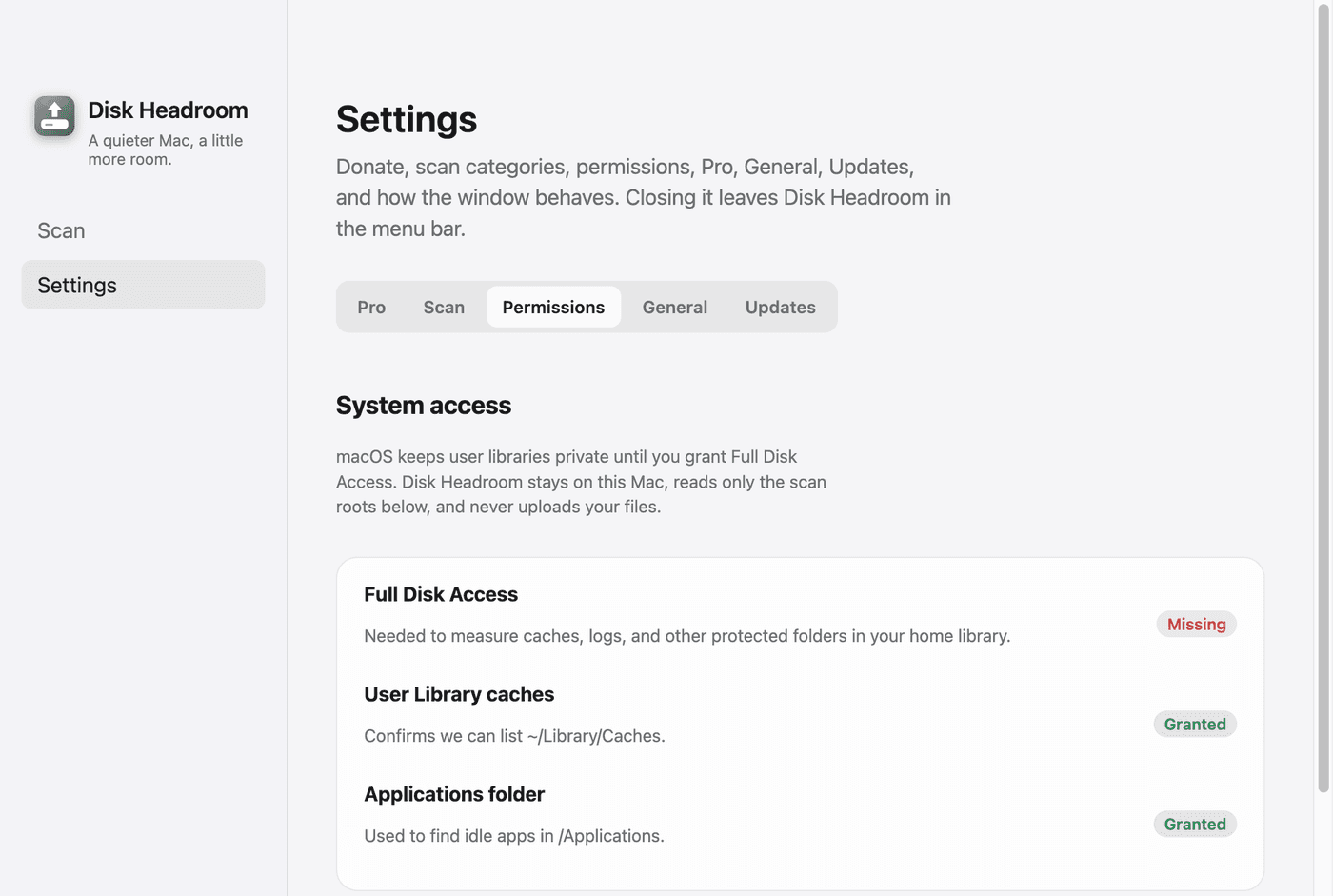
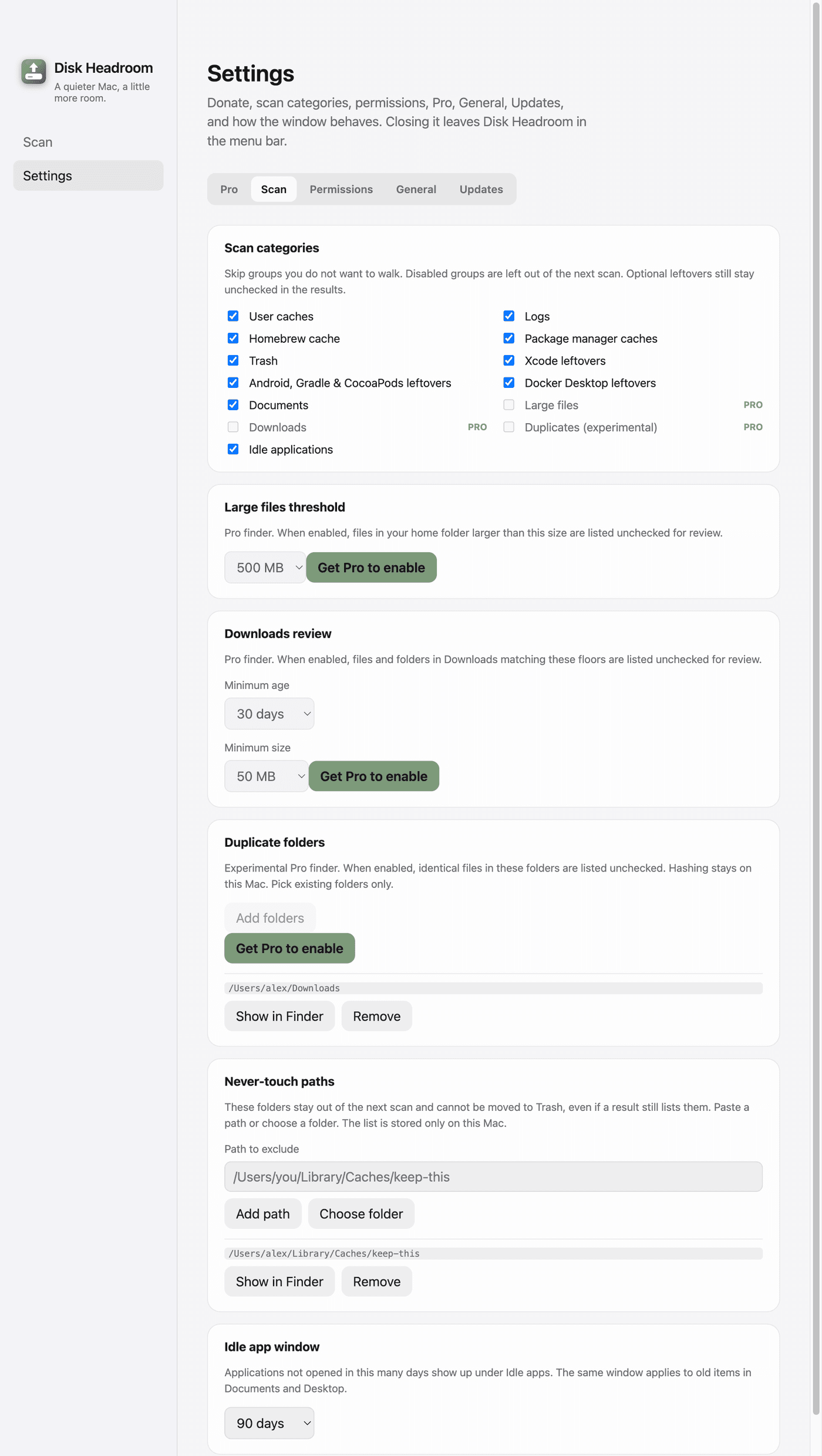
Real Disk Headroom windows, automatically updated to match the website's light or dark theme.
What it is not
Not a one-click erase
It does not delete everything for you, and it does not promise to free a magic number of gigabytes.
Not for Windows or Linux
Disk Headroom is a macOS app. For now, other platforms are out of scope.
Not a cloud product
Files are not uploaded. There is no sync account and no remote dashboard.
Not a login wall
No account, no subscription gate. Download, scan, review.
Local-first
Scan and Trash happen on your Mac. No telemetry, no account, no cloud — the quieter path on purpose.